How OCR turns a picture into text
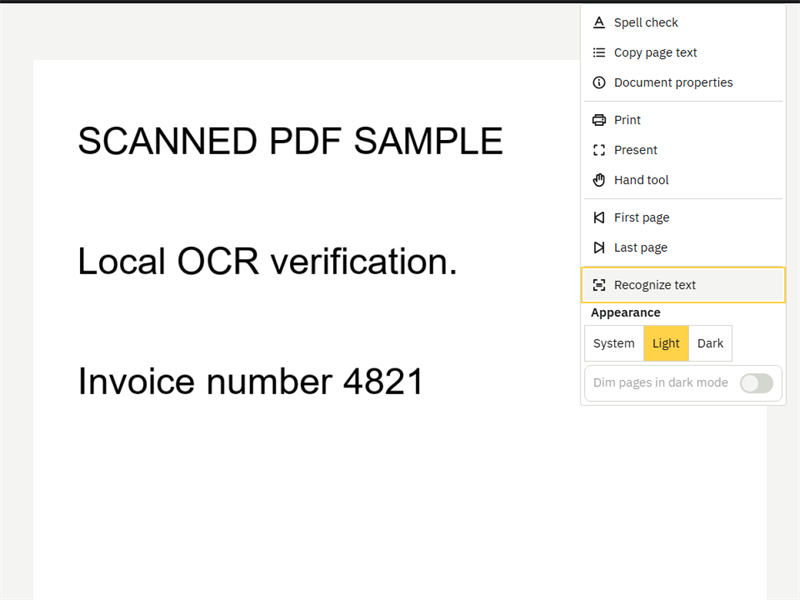
OCR (optical character recognition) is the step that gives a scan its letters back. Recognize text is Pdfable's built-in OCR, and it is built on Tesseract, the open-source OCR engine. Tesseract's documentation describes the main stages:
- Clean up the image. The engine prepares the page internally, including binarisation, which converts the image to black and white so the letters stand out from the paper.
- Find the lines. It splits the page into lines of text. Level lines make this step reliable, which is why a straight scan matters.
- Recognize each line. Tesseract's LSTM neural network is focused on line recognition: it reads a whole line and turns the shapes into characters and words.
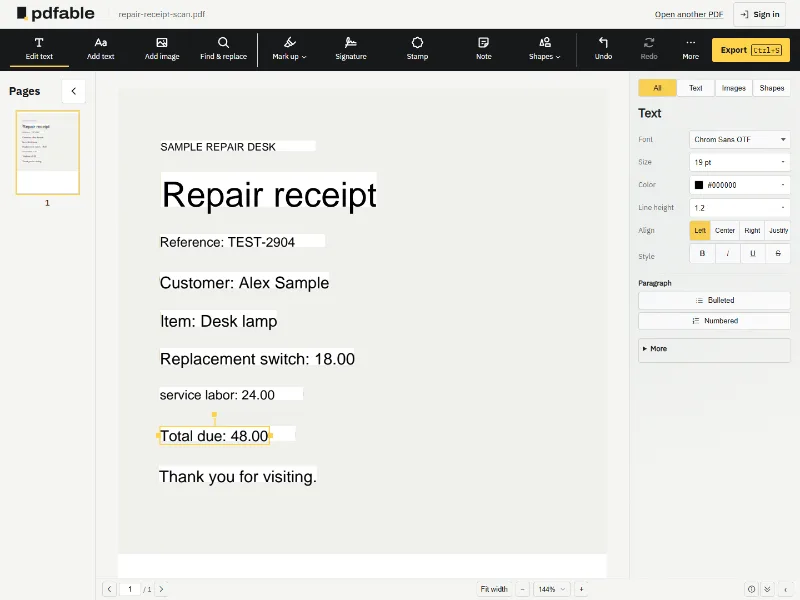
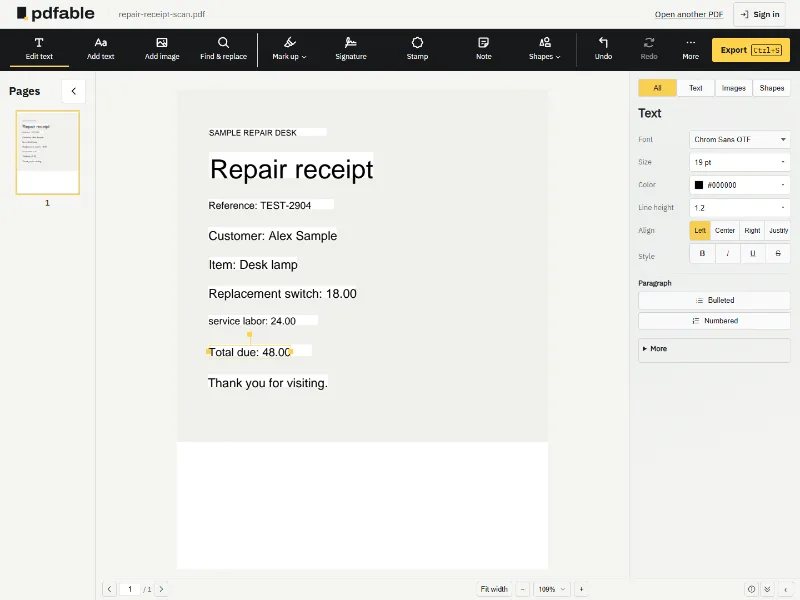
- Write real text back. Pdfable places the recognized words on the page as real, editable text, so Edit text can select them.
Recognize text runs in your browser, so the scan of your passport, receipt or signed contract is not uploaded. The OCR engine and its model load from Pdfable's own site, not from a third-party server. You can check this yourself: open your browser's developer tools, watch the Network tab while Recognize text runs, and you will see no request that sends your file anywhere.
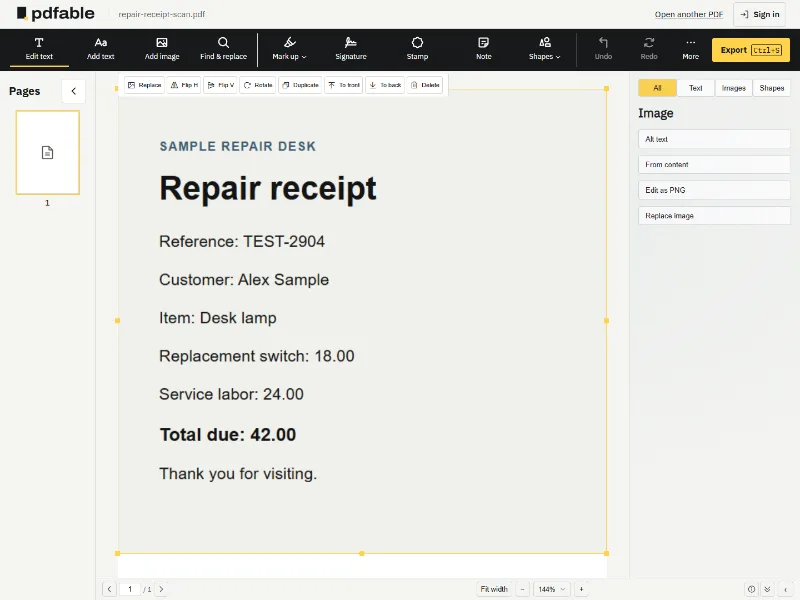
When you choose it, Pdfable turns the words in the scan into real, editable text. From then on the page works like any other PDF page:
- Edit text: click a line and type to fix a name, number or date.
- Everything else: add images, highlights, a signature, or redact a line before you share it.
Use Recognize text when the words themselves must change: a corrected figure on an old invoice, a name on a scanned contract, or a paper letter you want as text. If you only need to add a note or a signature to a scan, skip it; Add text, Mark up and Signature work on scanned pages straight away.