Why can't I edit PDF text in Preview?
Preview is the PDF viewer built into macOS, and it opens almost every PDF you double-click. Apple is clear about where it stops. The "Annotate a PDF" page of the Preview User Guide begins: "Although you can't edit the text of a PDF in Preview, you can use the markup tools to provide feedback or write down something you want to remember."
So everything Preview adds sits on top of the page. The Markup toolbar offers Text, Sketch, Draw, Shapes, Highlight, Note and Sign. Text drops a new text box that you drag into place, which is why fixing a typo in Preview usually means covering the old word with a white shape and typing over it.
Preview is still very good at the jobs it was built for:
- Mark up: highlight a sentence, add a note or draw an arrow for a colleague.
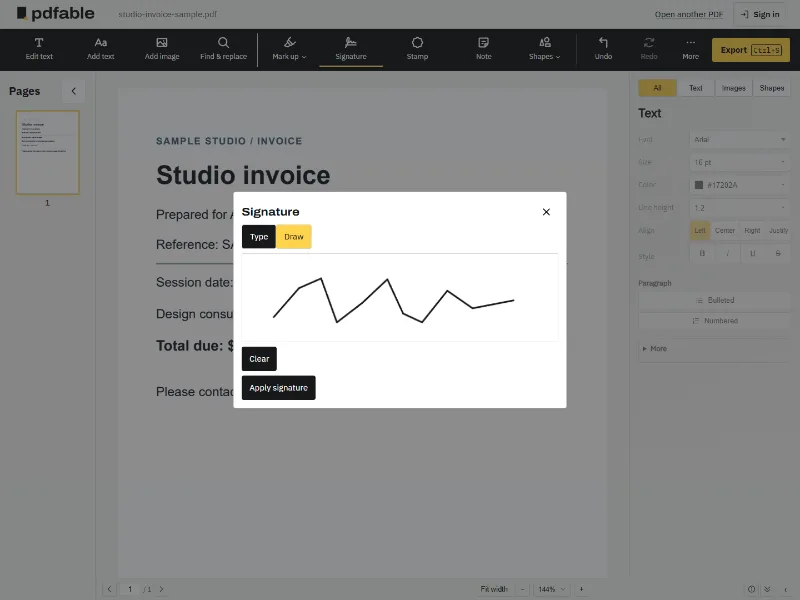
- Sign: capture your signature with the trackpad or your Mac's built-in camera, then drag it onto the page.
- Organize pages: in View > Thumbnails, delete pages, drag them into a new order, or move pages from one PDF into another.
- Redact: the Redaction Selection tool removes selected text from view, and the redaction becomes permanent once you close the document.
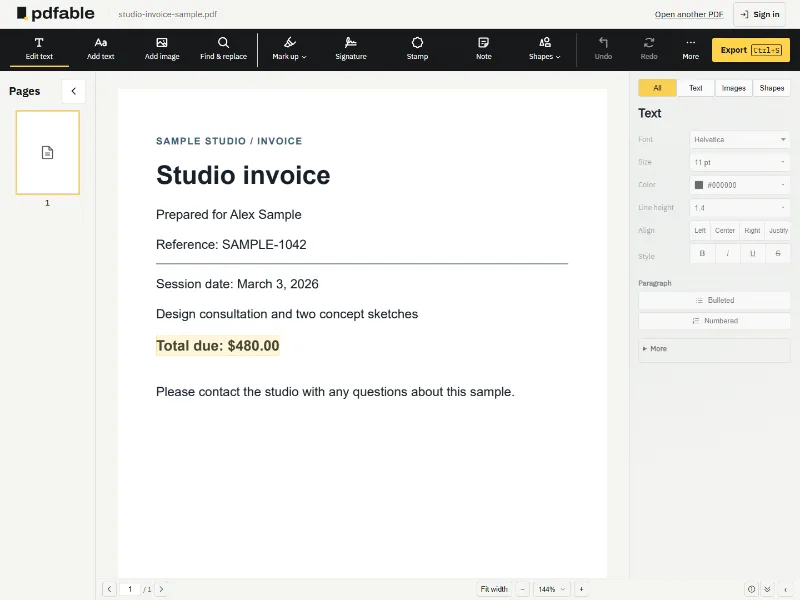
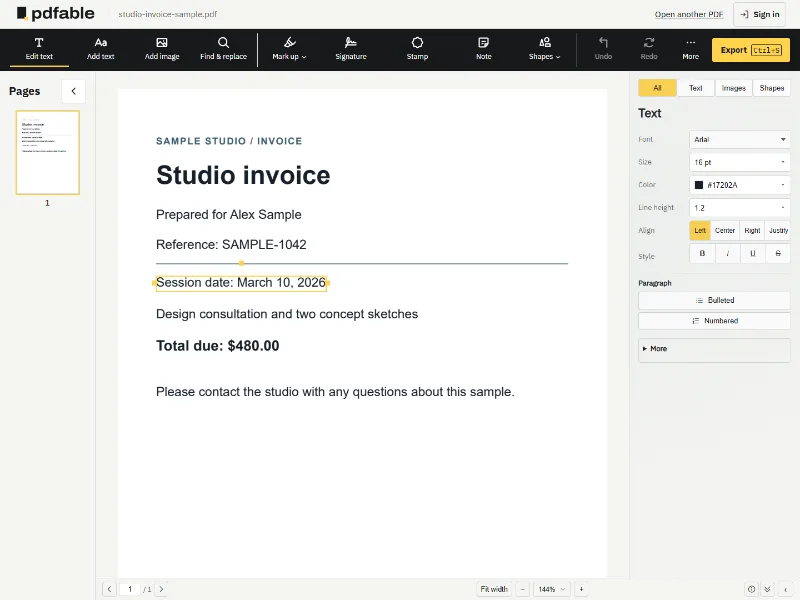
What none of those tools do is rewrite the sentence itself. That is the job Pdfable does, in your browser, on the same Mac.